Where you are looking to combine leave from multiple Xero files into a single calendar you can do so by;
-
Authenticating the additional Xero files into LeaveCal
-
Use the combined calendar to view the leave from both files
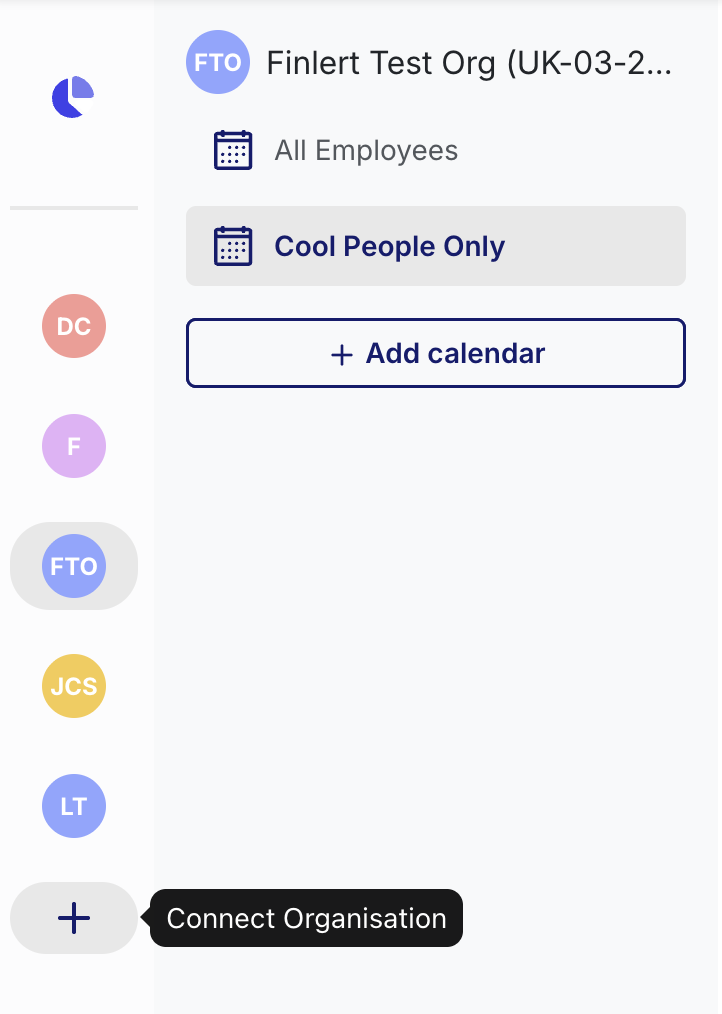
You can connect a new Xero organisation through the '+' button under your existing Xero organisations, and go through the same steps that you did to connect your other Xero organisations.
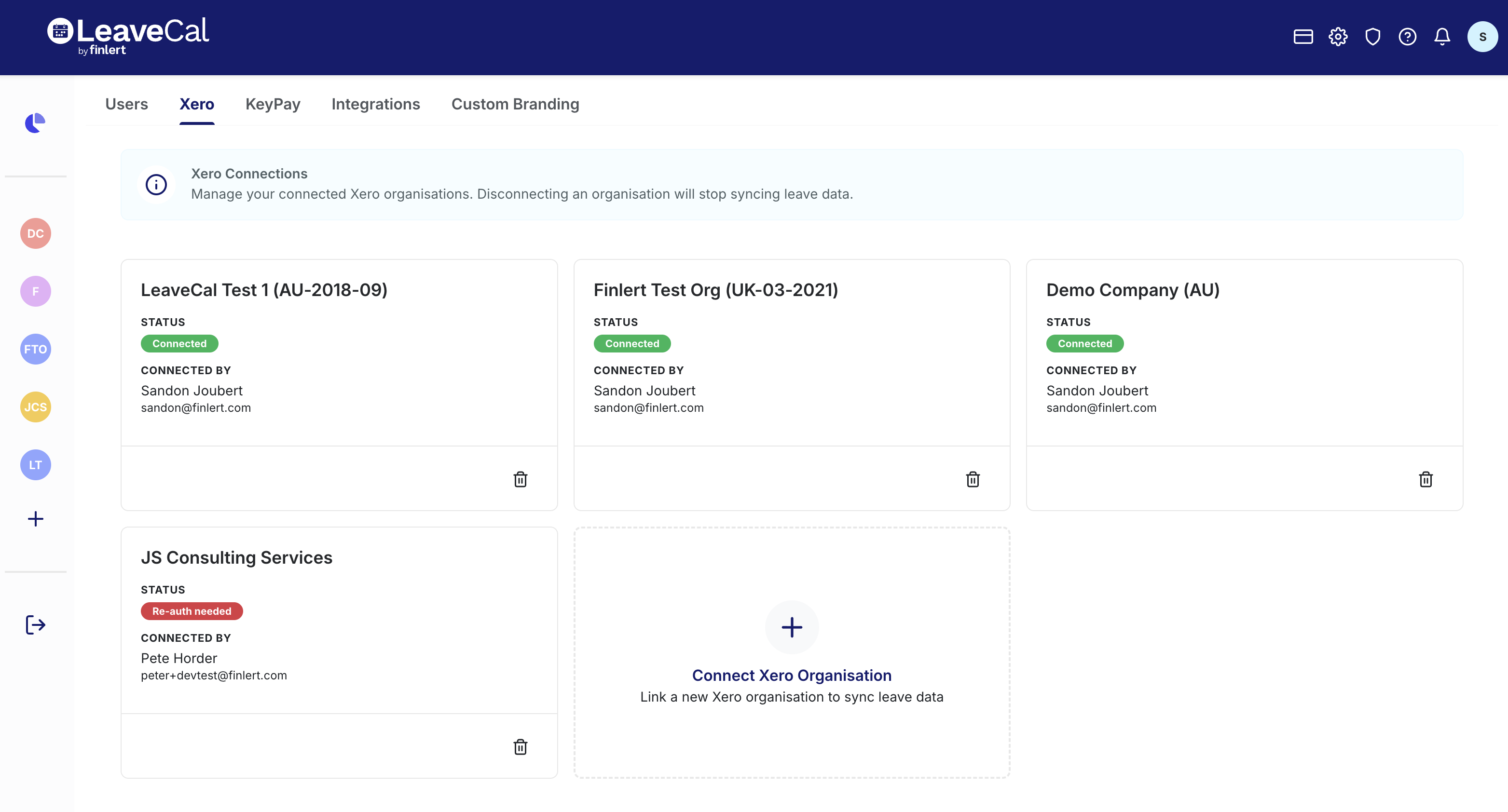
Alternatively you can go to the Settings (cog) 
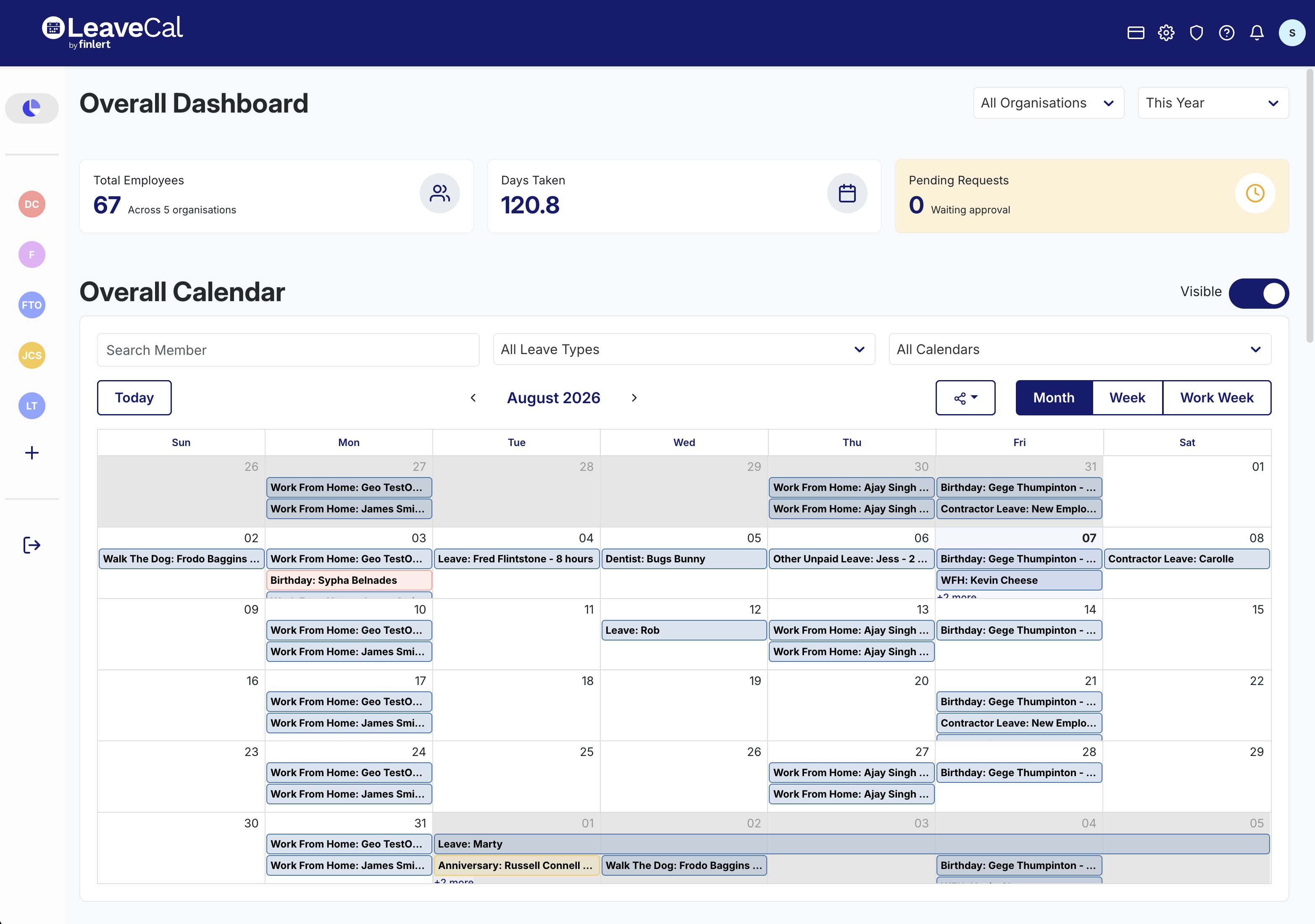
Now that you have multiple Xero organisations connected the dashboard will automatically show you a combined version of all Xero organisation calendars.
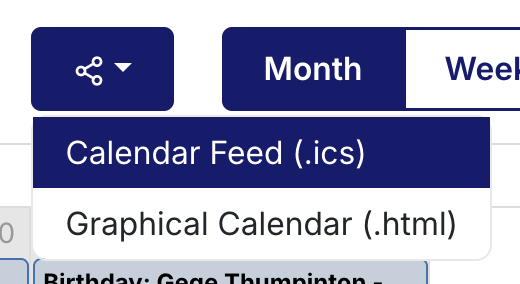
Just like a normal calendar you can grab a .ics or .html feed for this combined calendar from the share dropdown. Note that this will combine all Xero organisations and calendars.